HazNode
HomePartnersAbout
Log In

HazNode® Safety · Site sign-in

Who is on site, right now.

Print two posters from HazNode® and put one at the gate and one at the assembly point. Anyone arriving scans with their own phone, reads the site’s hazards and notices, completes the site induction the first time, and signs in. No app, no account, and no tablet to keep charged at the gate.

Explore the platform

What it does

A poster, a phone, and a register that is actually right

Sign-in systems fail at the gate: the app that will not open, the kiosk that is flat, the book nobody signs out of. Each of those is designed out here.

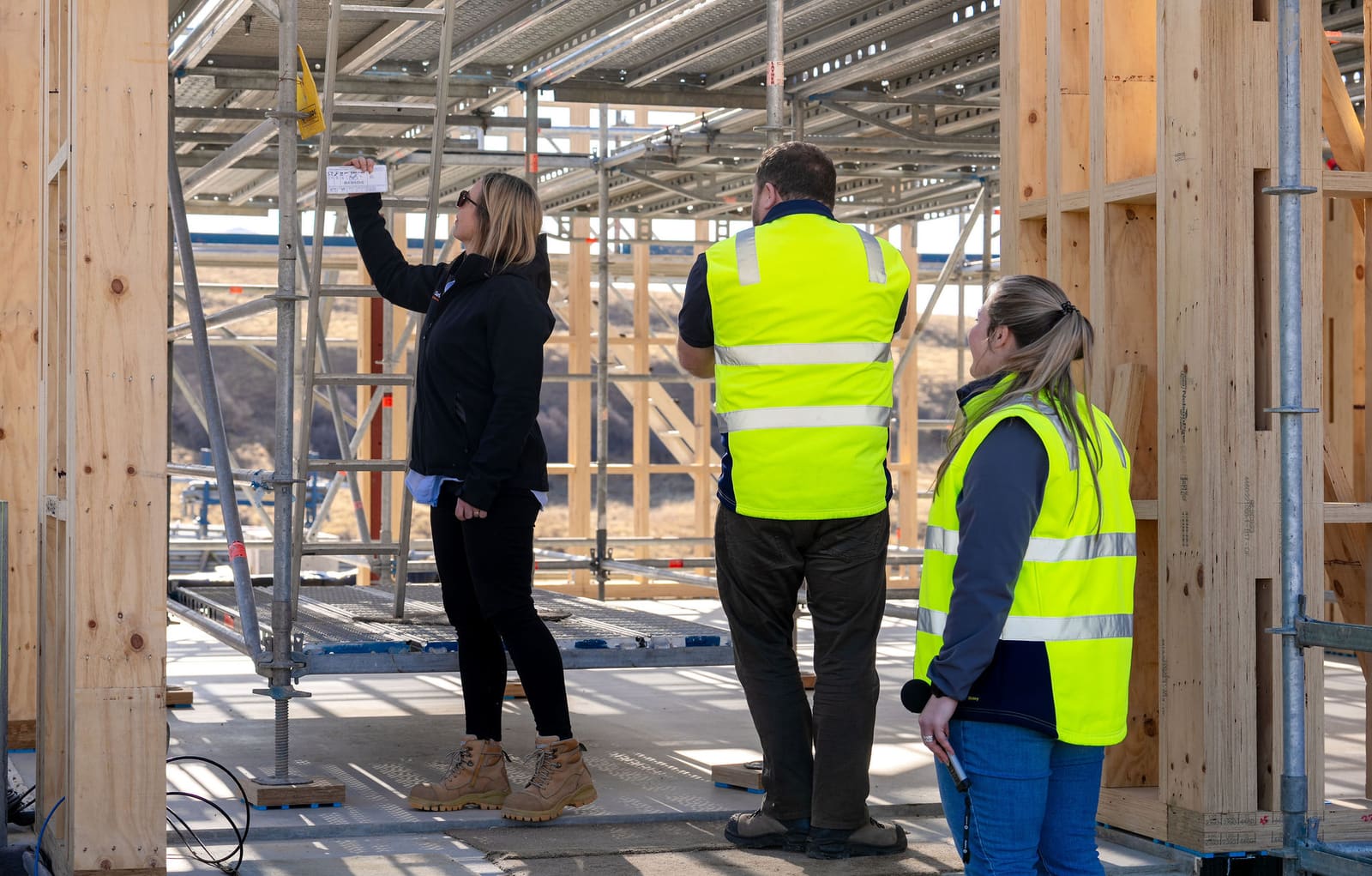
Worker in hi-vis on a timber-framed construction site

Scan, read, sign in

Nothing to install

The poster’s QR code opens a page for that site in the phone’s own browser: your name and logo, a message, and the hazards, PPE requirements, emergency procedures and notices you have flagged for display. The person acknowledges each one, gives their name, mobile number, company and whether they are a contractor, employee or visitor, says when they expect to leave, and signs or ticks. A returning person is recognised by their phone and only confirms their number.

What you get

  • Two A4 QR posters per site, printed from HazNode®

  • Works in any phone browser — no app, no account

  • Hazards, PPE and notices read and acknowledged at every sign-in

  • Returning people recognised by their phone, confirmed by number

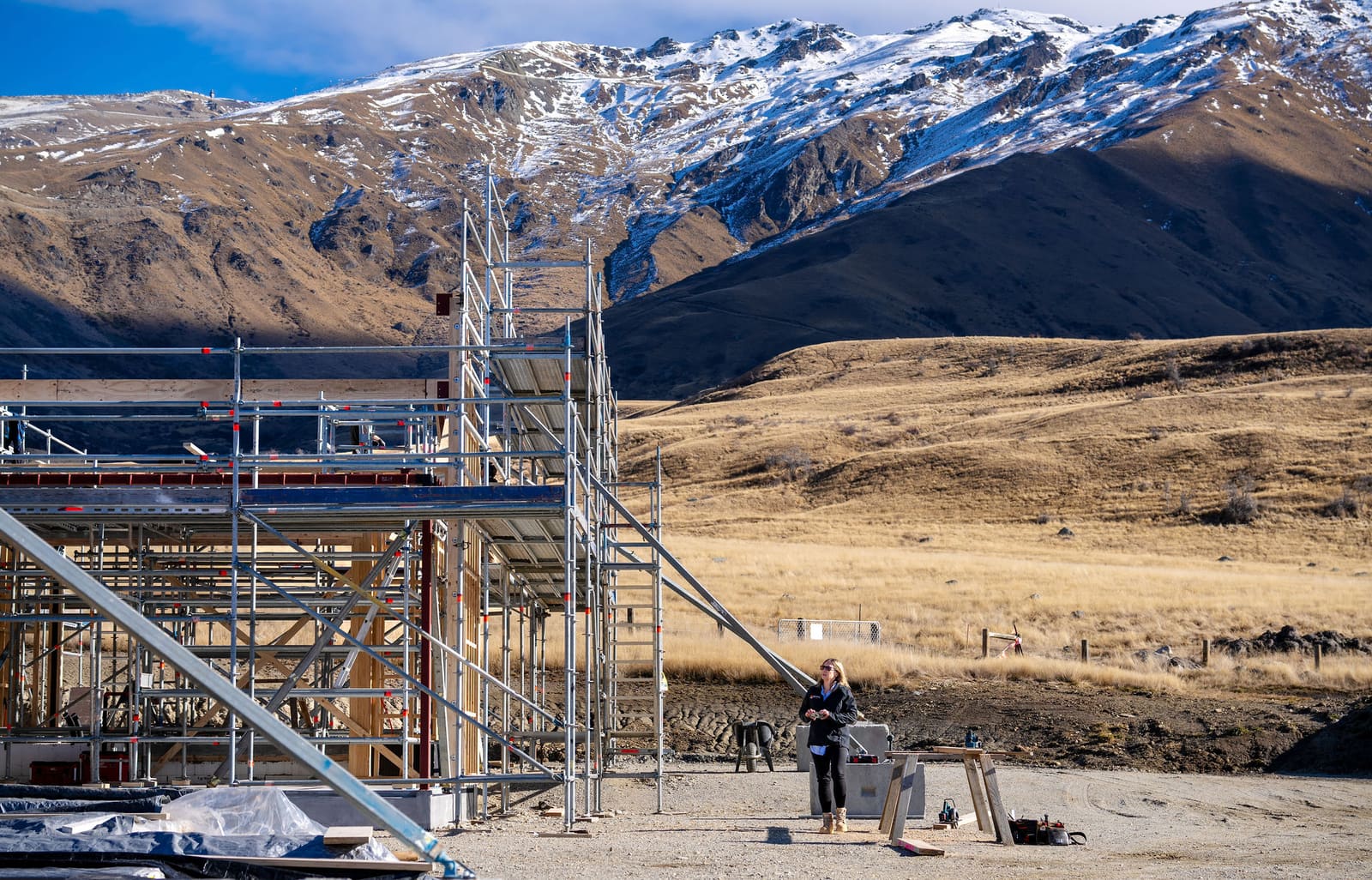
Construction team taking measurements against a timber frame

Induction before entry

Built in the same builder as your forms

Each site has its own induction, built in the template builder you already use for inspections and forms: sections, instruction and media blocks, questions with follow-ups, photos and a closing signature. Anyone without a valid induction record for the site is taken through it before their sign-in completes. Records carry an expiry you set, and you can require everyone to redo it when the site changes.

What you get

  • One induction template per site, copied between your sites

  • Instruction blocks, media, questions and a signature

  • Expiry on the record; force re-induction when the site changes

  • Every completed induction stored against the person

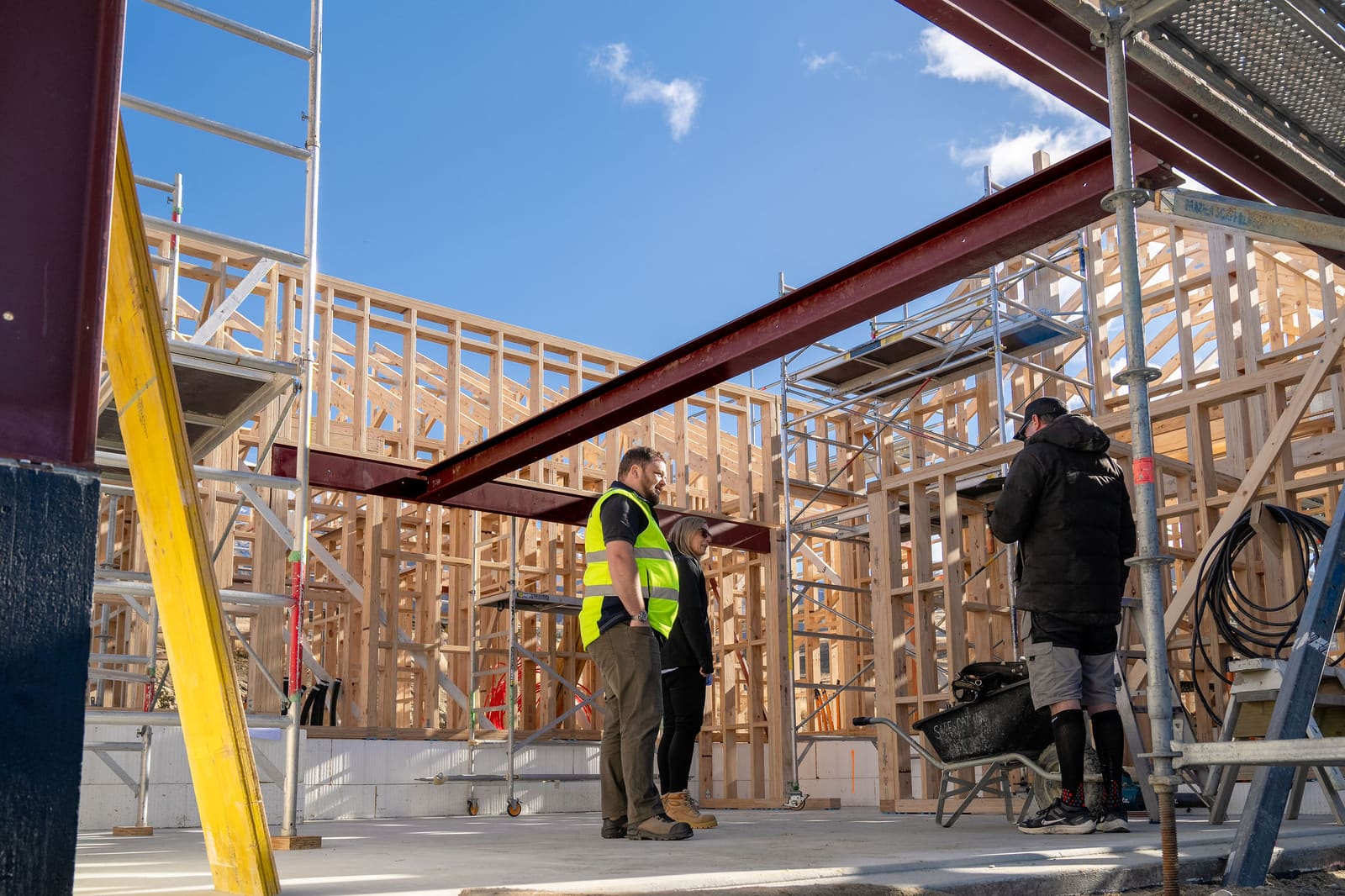
Site team working in a construction environment

Sign-outs that actually happen

Self-service or automatic

People sign out from the same poster, and when they forget, the site’s own rule does it for them: the expected time out plus a grace period, a fixed site close time, or a fixed duration after sign-in. The on-site list applies the rule live, so it says who is here rather than who has ever arrived.

What you get

  • Sign out from the same QR code

  • Automatic sign-out by expected time plus grace

  • Or at site close, or after a fixed duration

  • Register exported as CSV; on-site list as PDF

Team walking together through a plant area

Roll call at the assembly point

Never on the public page

The second poster opens the live list of everyone signed in — for a warden who is logged in to HazNode®, and nobody else. One tap checks a person off, the list is shared between wardens as they go, and the result exports as a PDF. The gate poster also carries a “report an incident” door straight into your incidents register.

What you get

  • Live list of everyone on site, with one-tap check-off

  • Shared live between wardens

  • Exported as a PDF record of the drill or the event

  • Report an incident from the gate poster into the incidents register

Sound Familiar?

Sound familiar?

"

The sign-in book is at the gate and the warden is at the assembly point.

"

Nobody signs out, so the register says forty people are on site at midnight.

"

The induction is a laminated sheet visitors glance at while they sign.

"

Contractors re-enter the same details at every site, every morning.

"

Management asks who was on site that afternoon, and you start ringing around.

What changes

A register you would hand to Health and Safety

The point of a sign-in system is the moment you need it: the drill, the incident, the question about who was there. Everything here is built so that answer is already right.

An honest on-site list

Automatic sign-out means the list says who is here now, not who has ever arrived.

Induction as evidence

Every acknowledgement and every completed induction is stored against the person, with the text they saw at the time.

Privacy by design

The public page never shows who else has signed in. People who stop coming are scrubbed from the record on a schedule you set.

Common questions

Questions about site sign-in.

Do workers or visitors need an app?

No. The poster’s QR code opens a web page in the phone’s camera and browser. There is nothing to install and no account to create. People are identified by their mobile number, and a returning person is recognised by their phone and asked only to confirm the number.

Can we require a site induction?

Yes. Build the induction for the site in the same template builder as inspections and forms, with sections, media, questions and a closing signature. Anyone without a valid induction record is taken through it before their sign-in completes. Records carry an expiry you set, and you can require everyone to redo it when the site changes.

What happens when people forget to sign out?

Each site has an automatic sign-out rule: the expected time out plus a grace period, a fixed site close time, or a fixed duration after sign-in. People can also sign themselves out from the same poster at any time.

How does the roll call work?

A second poster at the assembly point opens the live on-site list for a warden who is logged in to HazNode®, with one tap to check each person off. The list is shared between wardens as they go and exports as a PDF afterwards. It is never shown to the public.

Does sign-in work without coverage?

No. The page runs in the phone’s browser, so the phone needs a connection at the point of scanning. We say that plainly rather than promise an offline mode that loses sign-ins.

Does it link to contractor management?

Not yet. The company a person gives at sign-in is recorded as text. Matching sign-ins to the contractor record and its compliance status is the next step for this module, and we will say so here when it ships.

Scan a poster and sign yourself in

On the demo we put a live site poster in front of you. Scan it with your own phone and go through the induction and sign-in exactly as a contractor arriving at your gate would.

haznode logo

© 2026 HazNode Software Limited. All rights reserved.