HazNode
HomePartnersAbout
Log In

HazNode® Safety · HazNode Field

The record, written where the work is.

HazNode Field is the companion app to HazNode® Safety. It opens knowing which site you are standing on, and does three things properly: observations in seconds, inspections item by item against your own templates, and incident reports from the spot — all of it working without a signal and sending itself when coverage returns. On the App Store for iPhone and iPad.

What it does

Three jobs, done properly, on the phone people already carry

A field app earns its place by being faster than the notebook and surviving the plant room. Everything else is a desktop job and stays there.

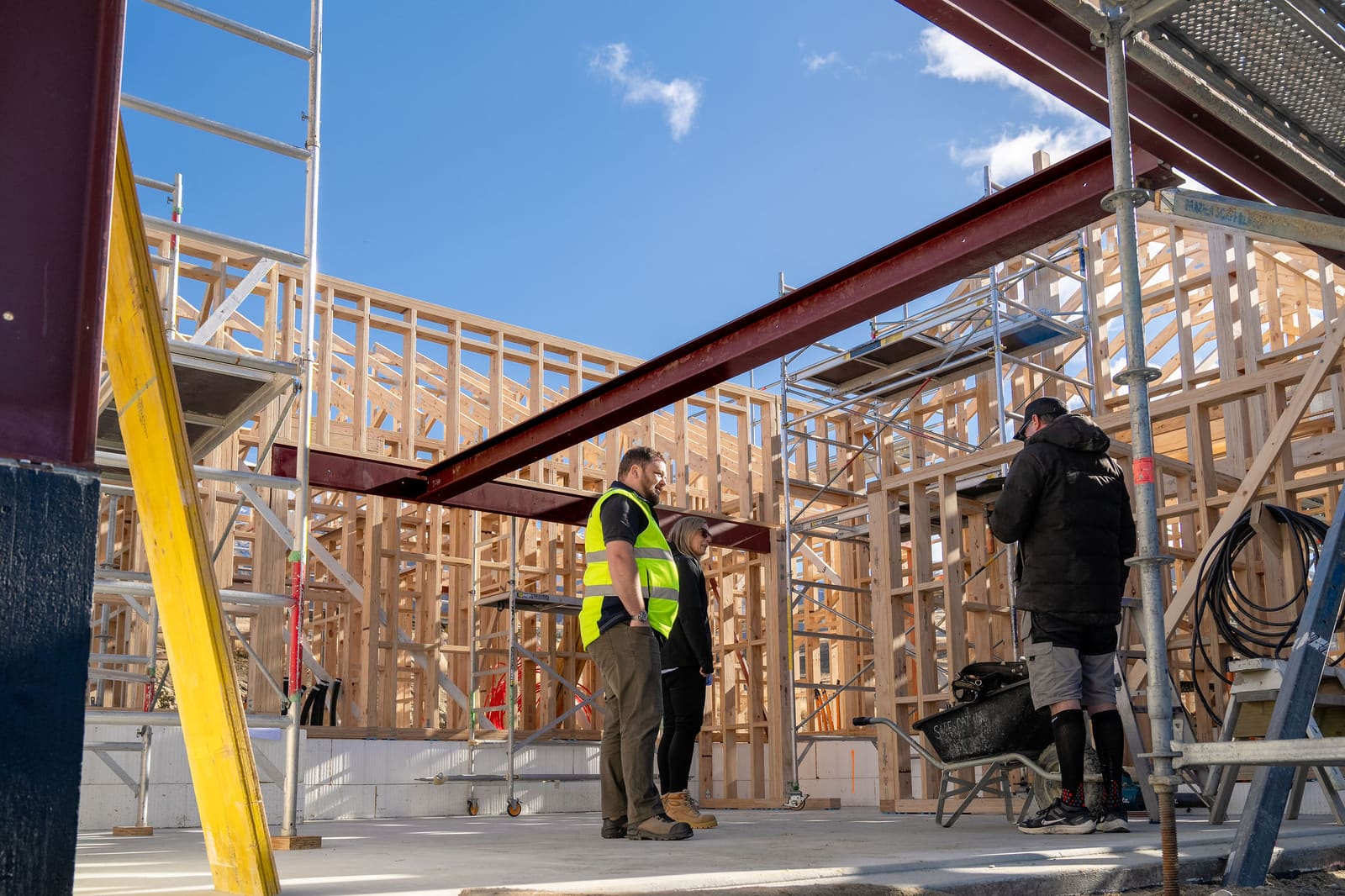
Worker in hi-vis on a timber-framed construction site

Starts where you are

Home knows the site

Open the app and it already knows which site you are on: your position puts the nearest site first, and is read again when you sign off an inspection so the finished record shows where it was signed. Wrong site? Change it in one tap. Anything in progress is waiting on the home screen, and a new site can be added from the gate with address search.

What you get

  • Nearest site named from your position

  • Anything in progress waiting on the home screen

  • Add a new site from the gate, with address search

  • Change site in one tap when the fix is wrong

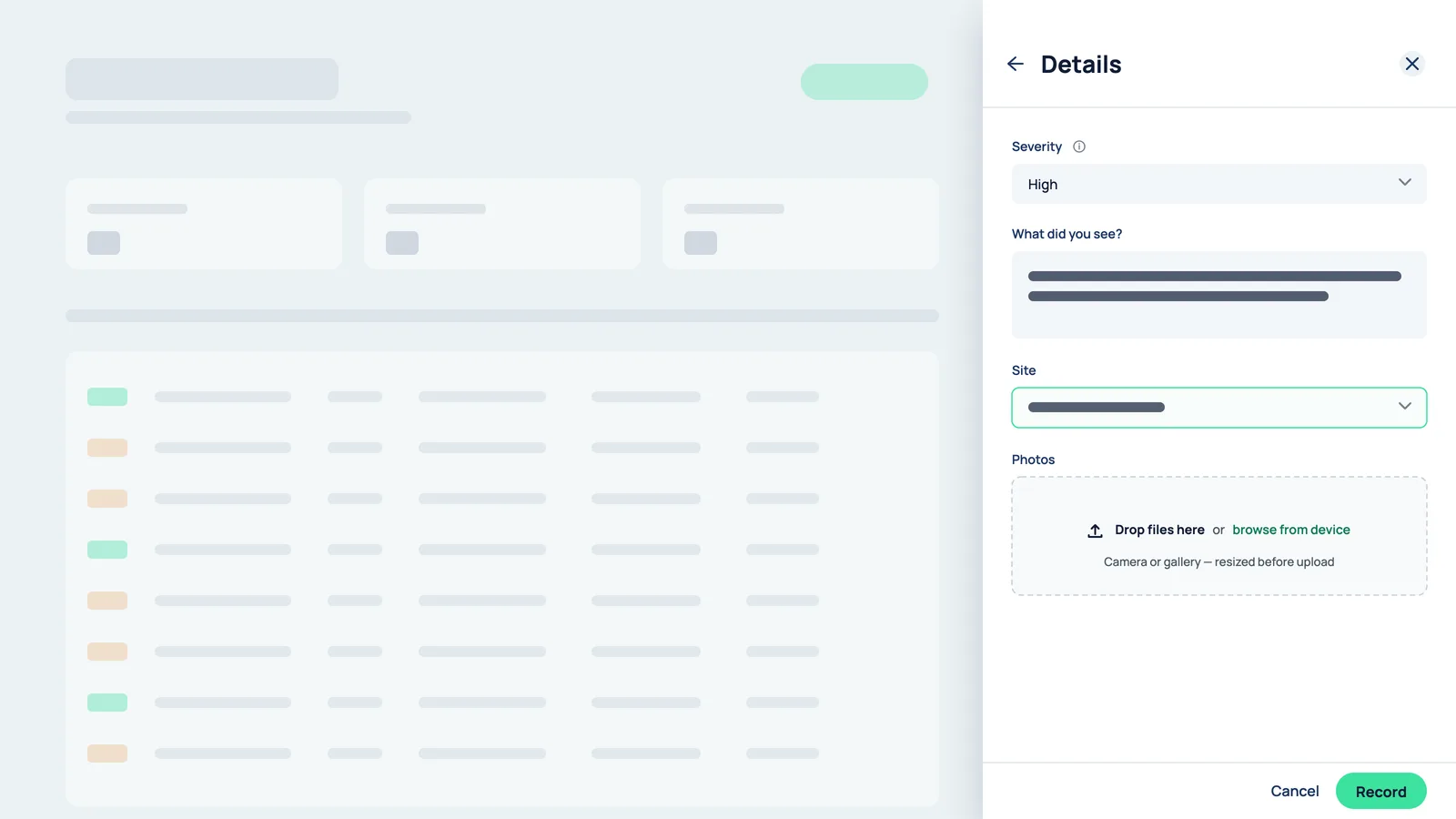
Record observation drawer with severity, a short description, site and a photo dropzone

Observations, inspections, incidents

The same three records as the web

Choose what you saw — safe behaviour worth recognising or something at risk — pick a category, write a line and add photos. Start an inspection from one of your organisation’s published templates and work through it item by item; progress saves as you go, so it can be paused at item twelve and picked up later on any phone. Report a near miss, injury, property damage or environmental event on a single screen, and watch your register show what happened to it.

What you get

  • Observations: category, rating, a line and photos

  • Inspections: your templates, paused and resumed on any phone

  • Incidents: reported on one screen, tracked in your register

  • Dictation in every description field — gloves on, ladder up

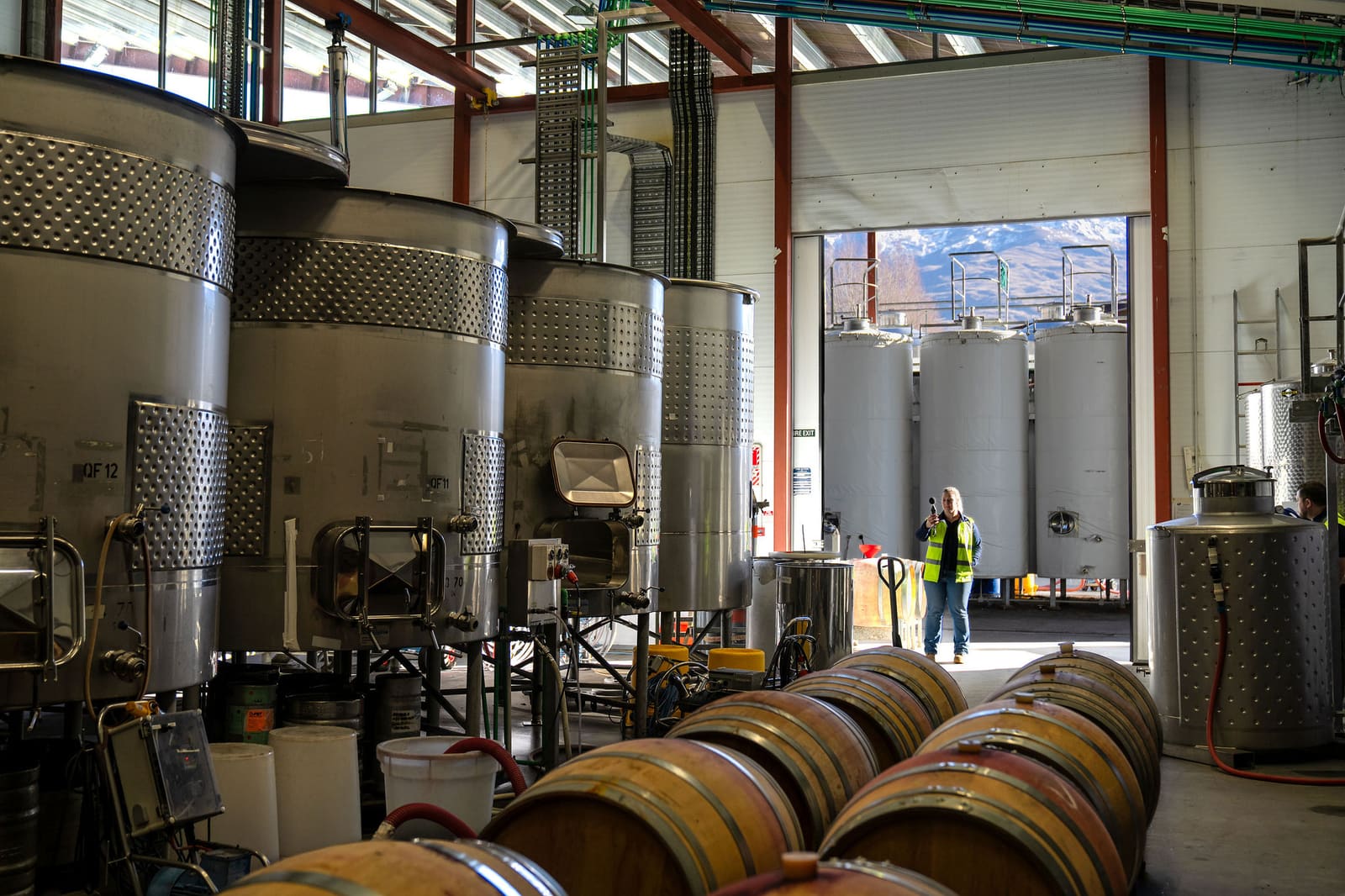
Industrial hall with process tanks — the kind of space with no coverage

Works without a signal

Plant rooms, basements, remote sites

Coverage disappears exactly where records most need making. Opening the app on wifi is enough to prepare it: sites, categories and templates are held on the device. Anything captured offline waits in a queue, photos included, and sends itself when the connection returns. The Offline screen shows what is queued, what is held, and when the app last packed.

What you get

  • Sites, categories and templates held on the device

  • Captured work queues with its photos

  • Sends itself when coverage returns

  • An Offline screen that shows exactly what is waiting

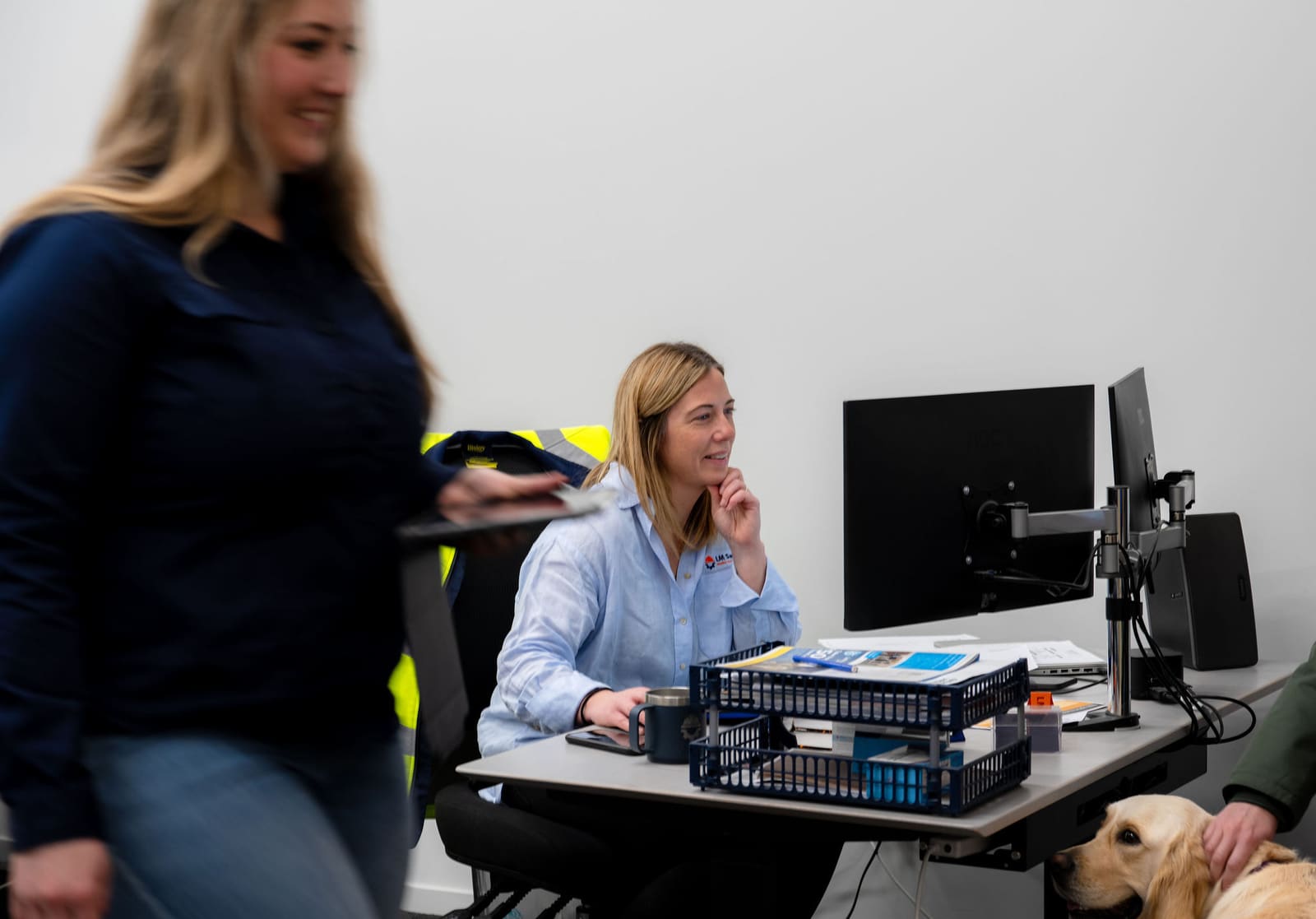
Two colleagues reviewing records together at a desk

Sensitive detail stays on the web

The phone never shows it

A restricted incident appears as a locked entry with nothing but its reference and status; personal and injury details stay in the web module and are never sent to the phone. A consultant working across several client organisations chooses which one they are on site for, and a client’s own team sees only its own sites and records — separated on the server, not filtered on the phone.

What you get

  • Restricted incidents shown as a locked reference and status

  • No personal or injury detail on the phone

  • Consultancies work across clients; clients see only their own

  • Separation enforced on the server

Sound Familiar?

Sound familiar?

"

Observations get written up at the end of the day, from memory, if at all.

"

The inspection is a PDF on a tablet that cannot be paused halfway.

"

Incidents are phoned in, then typed up by someone who was not there.

"

The plant room has no coverage, so nothing recorded in it survives.

"

The photos are on someone’s phone and the record is on a shared drive.

What changes

Records made on the spot, finished at the desk

The phone captures; the web does the rest. Everything recorded in HazNode Field lands in HazNode® immediately, where it is triaged, investigated, reviewed and reported.

Written when it is seen

What was observed is recorded at the moment, with the photo and the position, rather than reconstructed from memory later.

The desktop does the rest

Observations are triaged and closed out, incidents investigated, inspections reviewed — all in HazNode® on the web, as soon as the phone has sent them.

Nothing to buy in the app

HazNode Field comes with your HazNode® subscription. Sign in with the account you already have.

Common questions

Questions about mobile app.

Where do I get the app?

HazNode Field is on the App Store for iPhone and iPad, under the name HazNode. It needs an existing HazNode® account — it is a companion to your organisation’s subscription, not a standalone product, and there is nothing to buy inside the app.

Is there an Android version?

Not yet. HazNode Field is on the App Store for iPhone and iPad today. Until an Android build ships, Android users record observations and incidents in HazNode® from the phone’s browser.

Does it work offline?

Yes. Open the app on wifi and it holds your sites, categories and templates on the device. Observations, inspections and incident reports captured without coverage wait in a queue, photos included, and send themselves when the connection returns.

Who can use it?

Anyone with a HazNode® login. A consultant chooses which client organisation they are on site for and everything is filed to that client; a client organisation’s own team sees only its own sites and records.

Does the app do site sign-in?

No, and deliberately so. Site sign-in is a web page opened from a QR poster, so visitors and contractors need nothing installed. HazNode Field is for your own people and your consultants: observations, inspections and incidents.

See it on a phone, not a slide

On the demo we walk the capture flow on a handset — an observation, an inspection and an incident, offline included — so you can judge whether your people would actually use it.

haznode logo

© 2026 HazNode Software Limited. All rights reserved.