HazNode
HomePartnersAbout
Log In

HazNode® Safety · Inspections

Stop rebuilding the same checklist.

Describe what you need to inspect and HazNode® drafts the template — questions, structure and response types. Run it, record findings with photos against the item they relate to, and keep a structured record you can search months later.

Explore the platform

What it does

Build the checklist once, then stop rebuilding it

Most of the effort in an inspection programme goes into maintaining templates and then finding the records again afterwards. Both are solvable.

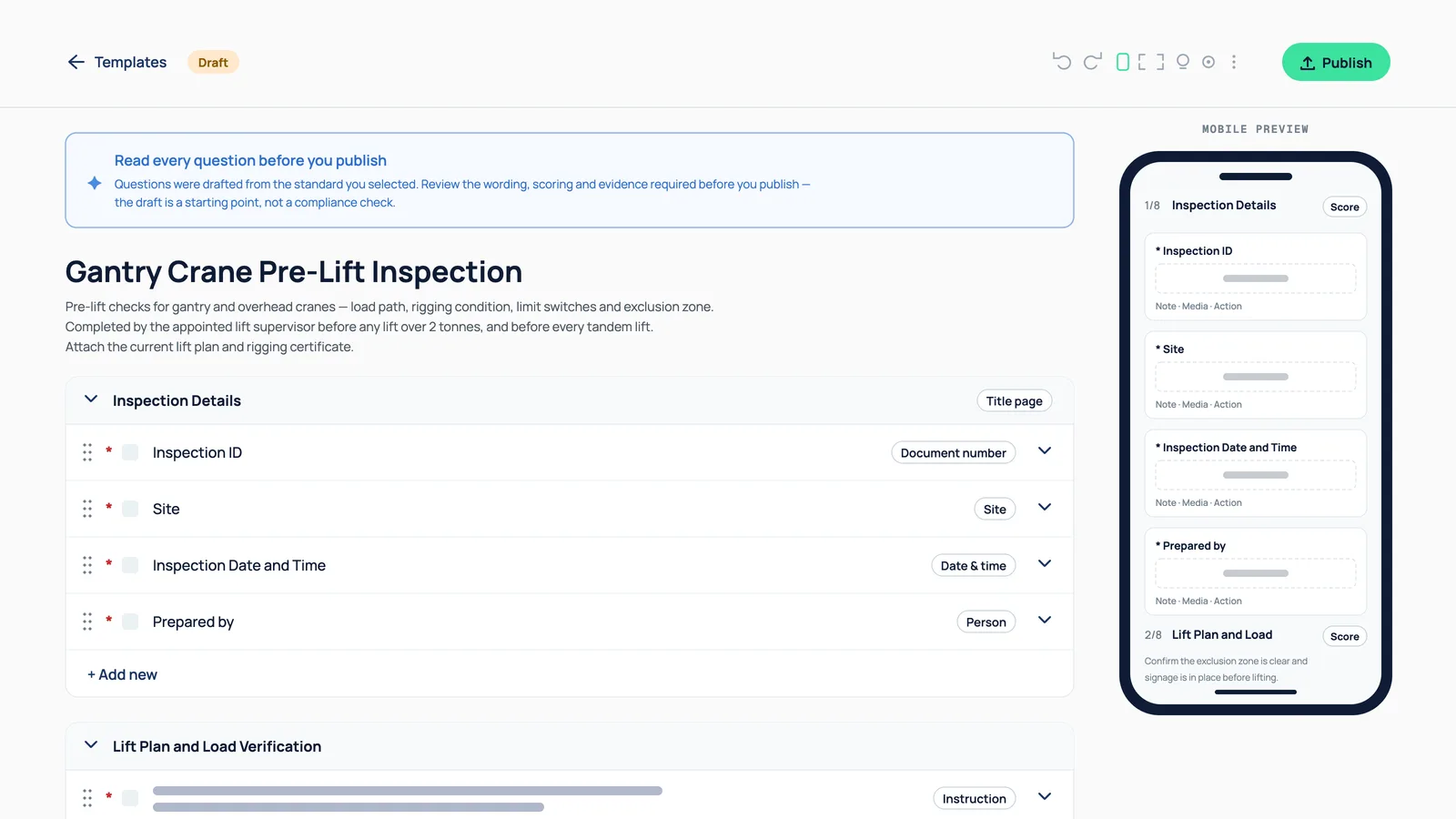
HazNode template builder showing an AI-drafted gantry crane pre-lift inspection with a notice that the draft was written by the generator

Templates written for you

Describe the inspection, get the checklist

Tell HazNode® what you need to inspect and it drafts the template — the questions, the structure, the response types. Edit what it produces rather than starting from a blank page or someone else’s PDF.

What you get

  • AI-drafted templates from a plain description

  • Edit and restructure before you use it

  • Per-site and per-asset templates

  • Response types that suit the question

Site team working in a construction environment

Inspections that produce a record

Not a PDF in a shared drive

Completed inspections are stored against the site and asset they belong to, with photos attached to the item they relate to, so a specific finding is retrievable months later without opening twenty documents.

What you get

  • Findings recorded against the right item

  • Photos attached where they belong

  • Stored by site and by asset

  • Searchable rather than filed

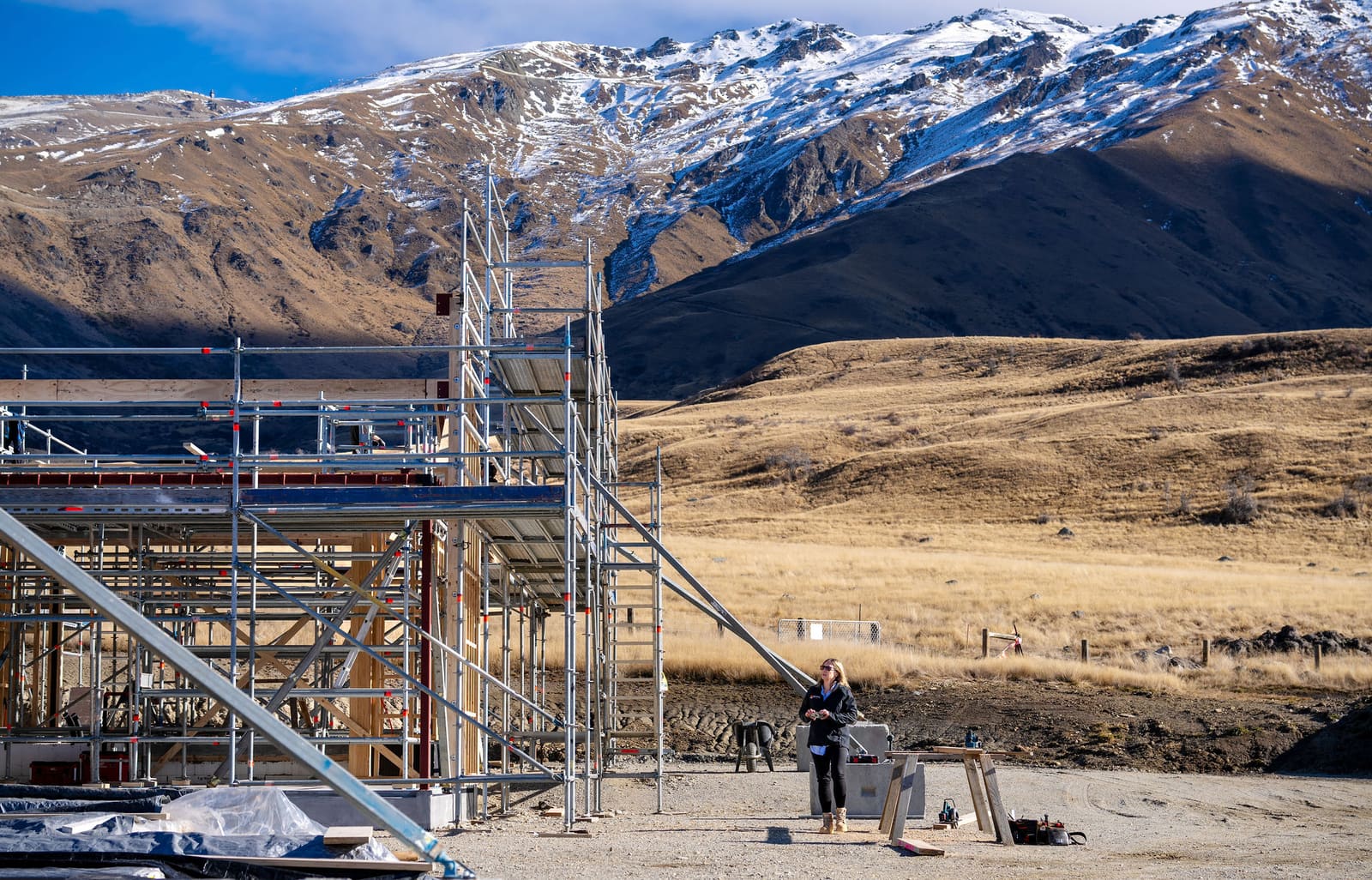
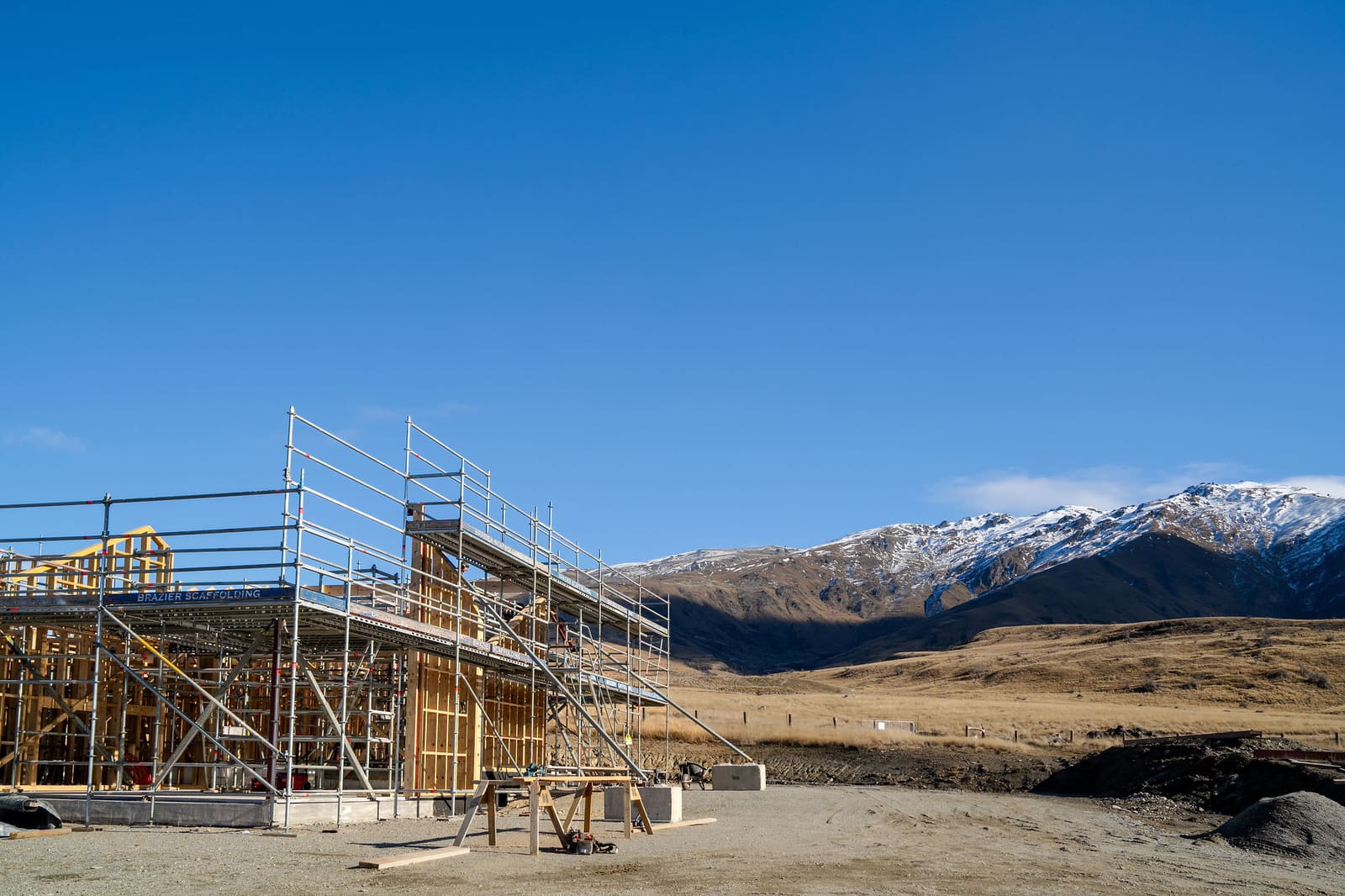
Scaffolded construction site against a mountain backdrop

A history you can look back through

The same issue, quarter after quarter

Because inspections are structured rather than free text, the same finding recurring at the same site is visible in the record instead of being three separate documents nobody compared.

What you get

  • Structured responses, not free text

  • Compare a site across inspections

  • Retain what was asked at the time

  • Export the record when asked for it

Sound Familiar?

Sound familiar?

"

Inspection photos live on somebody’s phone and never make it to the record.

"

The completed forms are PDFs in a shared drive that nobody opens again.

"

The same issue turns up at the same site every quarter and nobody notices.

"

Building a new checklist means copying and editing last year’s document.

"

Preparing for an audit means reconstructing months of paperwork from scratch.

What changes

Less time on templates, less time looking for records

Inspections are not hard. Maintaining the paperwork around them is, and that is the part worth removing.

Templates in minutes

Describe what you need to check and edit what comes back, instead of building a checklist from scratch or inheriting someone else’s.

Findings you can retrieve

Records sit against the site and asset they belong to, so producing twelve months of inspections is a search rather than an excavation.

Patterns become visible

Structured responses mean a repeat finding at the same site shows up in the record rather than being buried in prose.

Common questions

Questions about inspections.

Can HazNode® Safety write an inspection checklist for me?

Yes. Describe what you need to inspect and HazNode® drafts the template — the questions, the structure and the response types. You edit and restructure what it produces before you use it, and can keep per-site and per-asset versions.

Where do completed inspections go?

Against the site and the asset they belong to, with photos attached to the item they relate to. Because responses are structured rather than free text, a finding is searchable months later and the same issue recurring at a site is visible across inspections.

Can I export an inspection record?

Yes. The record can be exported when someone asks for it, and what was asked at the time is retained with it.

Can inspections be done on a phone?

Yes. HazNode Field, the companion app for iPhone and iPad, starts an inspection from one of your published templates and works through it item by item, offline included. Progress saves as you go, so it can be paused and picked up later on any phone. Building and editing templates stays on the desktop.

See inspections running on your own checklist

Bring a checklist you use today and we will show you it running end to end — capture, assignment, close-out and the audit trail behind it.

haznode logo

© 2026 HazNode Software Limited. All rights reserved.